Windows Setup Guide
Important
Check Emulator Settings if you haven’t already!
Installation
- Download the latest release of AdbBot: AdbBot_x.y.z_x64_en-US.msi (it will show the actual version instead of x.y.z)
- Run the Installer.
Starting AdbBot
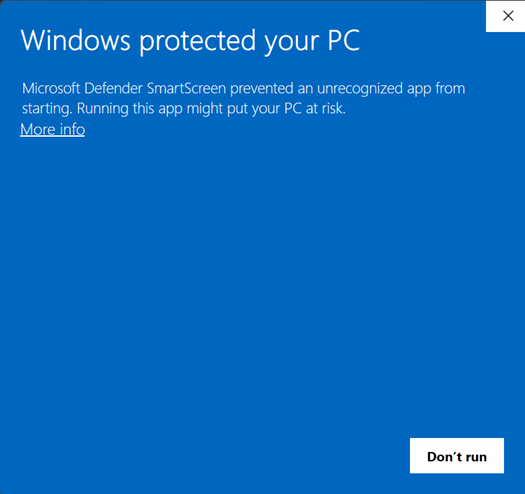
When launching AdbBot, Windows Defender SmartScreen may block the application. To proceed:
- Click the More info link.
- Click the Run anyway button that appears.
- Wait for the application to start.
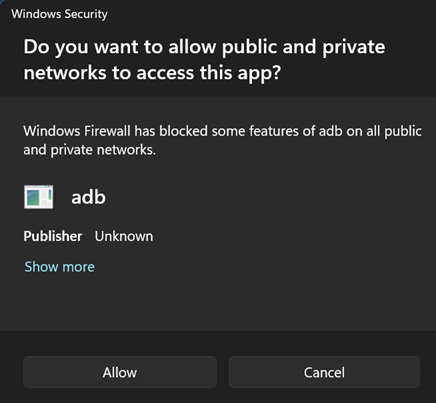
Windows Security pop up
If this pop up appears simply click Allow. If you want more info read here: ADB (Android Debug Bridge)